Introduction
In today’s rapidly evolving digital economy, businesses rely heavily on technology to streamline operations, improve customer experiences, and maintain financial accuracy. One of the most transformative technological developments in recent years is ERP SaaS integration with CRM and accounting systems. Organizations are increasingly adopting cloud-based enterprise software to unify their operations, automate workflows, and eliminate data silos.
Enterprise Resource Planning (ERP), Customer Relationship Management (CRM), and Accounting systems are three critical pillars of business management. Traditionally, these systems were operated separately, resulting in disconnected processes, duplicated data, and inefficient communication between departments. However, the rise of ERP SaaS platforms has made it possible to seamlessly integrate these systems into a unified digital ecosystem.
This integration allows businesses to synchronize sales, finance, inventory, customer data, and operational processes in real time. Companies that implement ERP SaaS integration with CRM and accounting software gain better visibility into their operations, improve decision-making, and significantly reduce manual work.
In this comprehensive guide, we will explore what ERP SaaS integration means, how it works, its benefits, key features, implementation strategies, challenges, and future trends in cloud enterprise systems.
What is ERP SaaS?
ERP SaaS (Enterprise Resource Planning Software as a Service) is a cloud-based enterprise management system that allows businesses to access ERP functionality through the internet rather than installing software on local servers.
Unlike traditional on-premise ERP systems, SaaS ERP solutions are hosted in the cloud and managed by software providers. This model offers flexibility, scalability, automatic updates, and lower infrastructure costs.
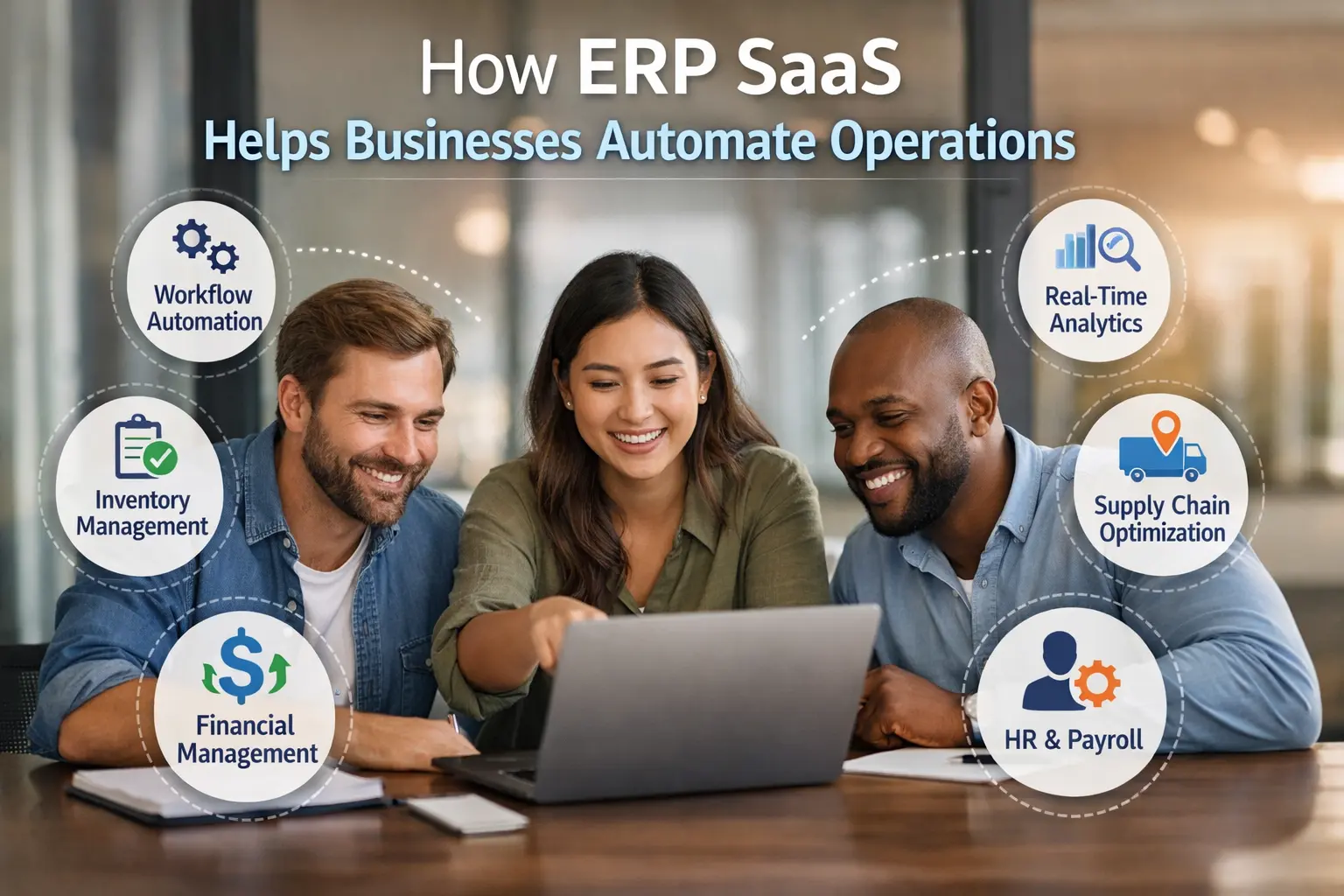
ERP SaaS systems typically manage:
- Financial management
- Inventory control
- Supply chain management
- Procurement
- Manufacturing operations
- Human resources
- Business analytics
- Customer data
Because the system operates in the cloud, it can easily integrate with other business applications such as CRM platforms and accounting software.
Understanding CRM Systems
Customer Relationship Management (CRM) systems are designed to manage interactions between businesses and their customers. CRM software stores customer information, tracks sales activities, manages leads, and improves customer engagement.
CRM tools help businesses manage:
- Customer databases
- Sales pipelines
- Marketing campaigns
- Customer support tickets
- Contact management
- Sales forecasting
Popular CRM platforms include cloud-based solutions that allow businesses to automate customer communication and improve relationship management.
When CRM integrates with ERP SaaS, customer data becomes available across departments, ensuring a consistent view of every customer interaction.
Role of Accounting Systems in Business Operations
Accounting systems are essential for managing financial transactions, including invoicing, payroll, expense tracking, tax reporting, and financial analysis.
Accounting software helps businesses maintain financial accuracy by handling:
- Accounts payable
- Accounts receivable
- Financial reporting
- Tax compliance
- Budget management
- Revenue tracking
- Cash flow monitoring
When integrated with ERP SaaS and CRM systems, accounting software receives real-time sales data, customer payments, and operational expenses, eliminating manual data entry and reducing financial errors.
What is ERP SaaS Integration?
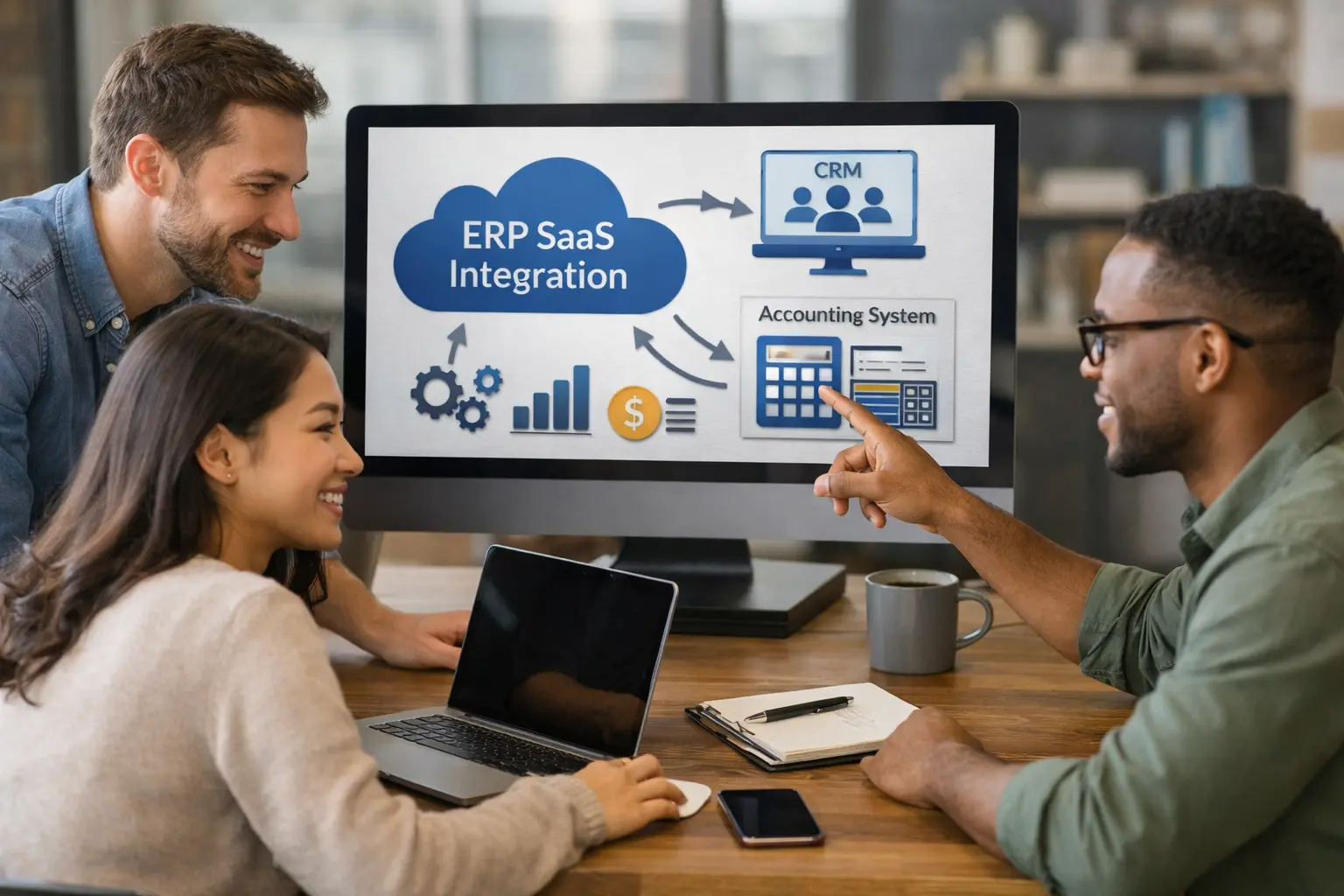
ERP SaaS integration refers to the process of connecting ERP systems with CRM platforms and accounting software so that data flows automatically between them.
Integration ensures that:
- Sales data updates financial records automatically
- Customer information synchronizes across systems
- Inventory changes update order management
- Payments link directly to customer accounts
- Financial reports reflect real-time operational data
Instead of managing multiple disconnected systems, businesses operate with a single unified data environment.
Why Businesses Need ERP SaaS Integration
Modern organizations handle large volumes of data across departments. Without integration, companies face challenges such as:
- Data duplication
- Manual data entry errors
- Delayed financial reporting
- Poor customer insights
- Inefficient workflows
ERP SaaS integration eliminates these problems by creating a centralized data system.
Key Benefits of ERP SaaS Integration with CRM and Accounting Systems
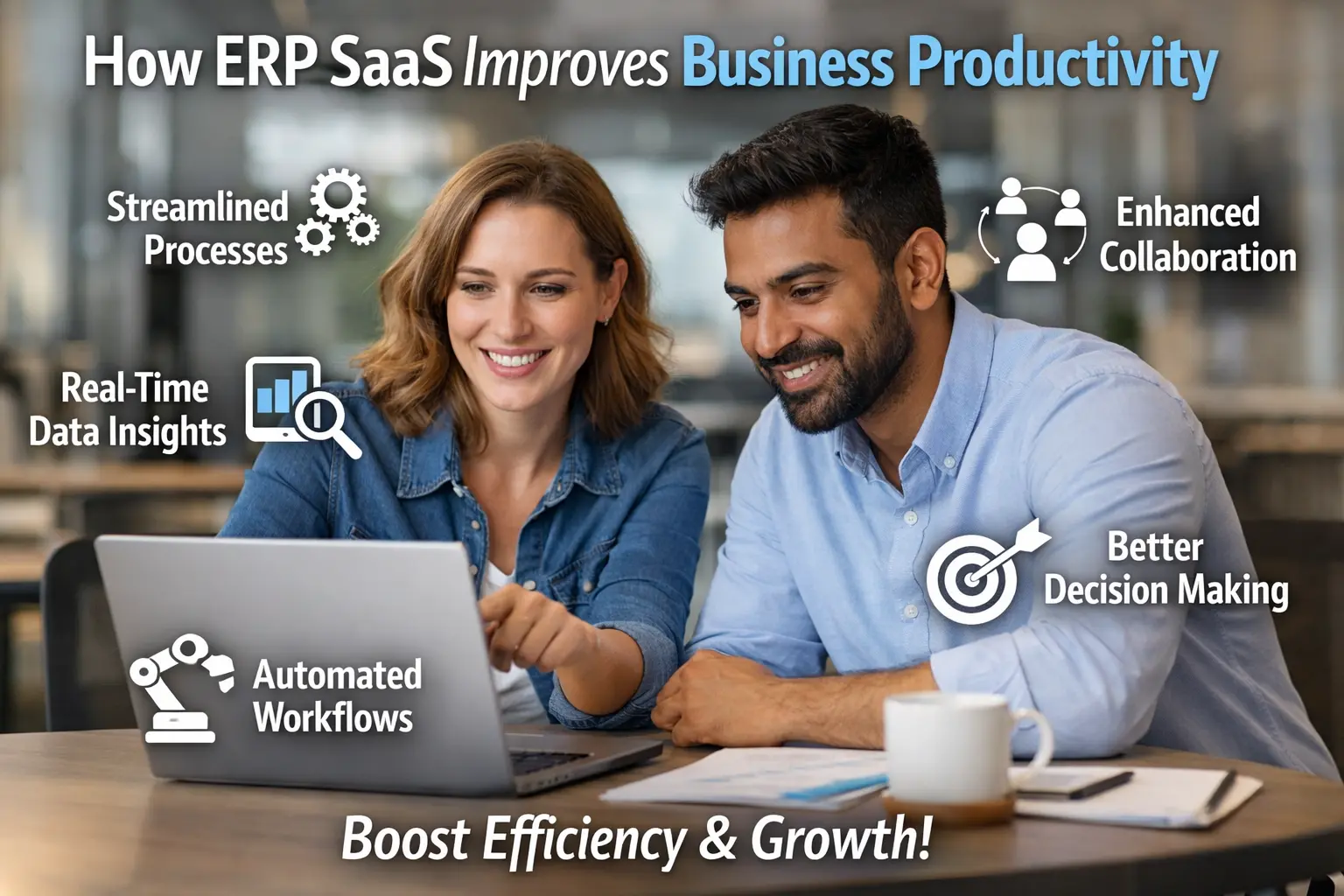
1. Centralized Data Management
Integration allows all business data to be stored in a unified platform. Sales teams, finance teams, and operations departments access the same information, ensuring consistency and transparency.
2. Improved Operational Efficiency
Automated workflows reduce manual tasks such as entering invoices, updating customer records, and reconciling payments.
3. Real-Time Financial Visibility
Accounting systems receive live data from ERP and CRM platforms, allowing businesses to monitor revenue, expenses, and profitability in real time.
4. Enhanced Customer Insights
CRM integration provides a 360-degree view of customer interactions, including purchase history, payment behavior, and support requests.
5. Better Decision Making
With integrated analytics and dashboards, executives can analyze operational performance and financial trends to make informed strategic decisions.
6. Reduced Human Errors
Automation minimizes manual data entry, reducing the risk of accounting mistakes and inconsistent records.
7. Scalable Business Infrastructure
Cloud-based ERP SaaS systems grow with the business, allowing companies to add users, modules, and integrations as needed.
Key Features of ERP SaaS Integration
Businesses implementing ERP SaaS integration typically benefit from the following capabilities:
Real-Time Data Synchronization
Data automatically updates across ERP, CRM, and accounting systems.
Automated Invoicing
Sales orders from CRM automatically generate invoices in the accounting system.
Financial Reporting Dashboards
ERP platforms generate consolidated reports combining operational and financial data.
Inventory Synchronization
Inventory levels update automatically based on sales orders and supply chain activity.
Customer Payment Tracking
Accounting systems track customer payments and update CRM records accordingly.
Order Management Automation
Orders from CRM systems automatically trigger ERP workflows such as shipping, inventory allocation, and billing.
How ERP SaaS Integration Works
ERP SaaS integration usually occurs through APIs (Application Programming Interfaces), middleware platforms, or integration tools.
API Integration
APIs allow different software applications to communicate with each other securely.
Middleware Integration Platforms
Middleware tools act as connectors that synchronize data between multiple systems.
Cloud Integration Platforms
Cloud-based integration services automate workflows across SaaS applications.
These integration methods ensure seamless data transfer between ERP, CRM, and accounting systems.
Common Use Cases of ERP SaaS Integration
Sales and Finance Alignment
When a sales team closes a deal in the CRM system, the ERP platform automatically updates order management, while the accounting system generates invoices.
Customer Billing Automation
Invoices generated in accounting software are linked to customer records in CRM systems.
Inventory and Order Tracking
ERP systems update inventory levels automatically when sales orders are processed.
Customer Support and Financial History
Support teams can access customer purchase history and payment status directly from the CRM system.
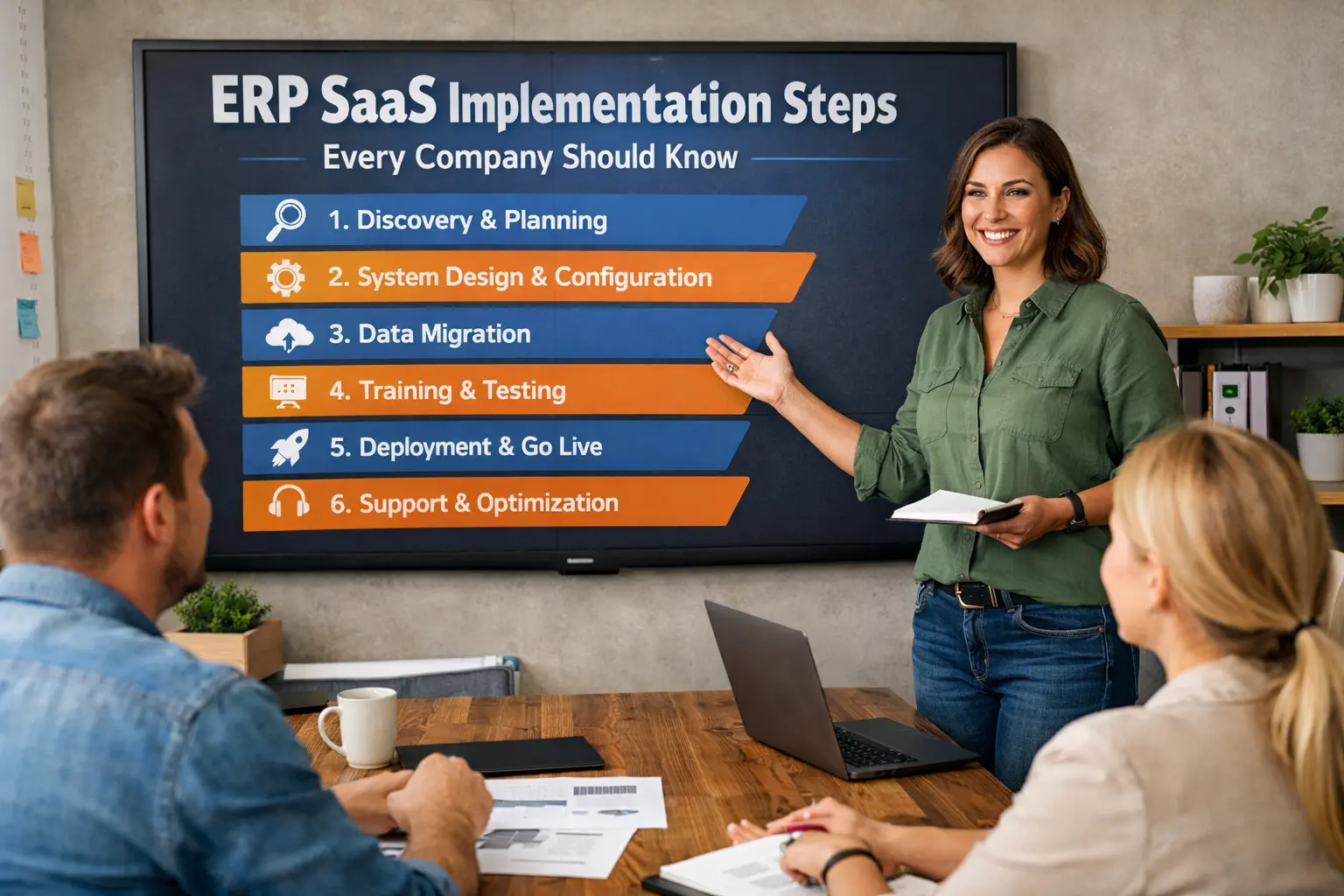
Implementation Strategy for ERP SaaS Integration
Successful ERP SaaS integration requires careful planning and execution.
Step 1: Define Business Objectives
Identify what the business wants to achieve through integration.
Step 2: Choose Compatible Software
Select ERP, CRM, and accounting systems that support API integration.
Step 3: Plan Data Migration
Transfer existing data into the integrated system while maintaining accuracy.
Step 4: Configure Integration Workflows
Define how data flows between systems.
Step 5: Test the Integration
Conduct thorough testing before deploying the system.
Step 6: Train Employees
Ensure employees understand how to use the integrated platform.
Challenges of ERP SaaS Integration
While integration offers many benefits, businesses may encounter challenges such as:
- Data migration complexities
- System compatibility issues
- Integration costs
- Security concerns
- Employee training requirements
Proper planning and expert implementation help mitigate these challenges.
Security Considerations in ERP SaaS Integration
Because ERP SaaS systems store sensitive business data, organizations must ensure strong security practices.
Important security measures include:
- Data encryption
- Multi-factor authentication
- Role-based access control
- Secure API connections
- Regular security audits
Cloud providers often offer enterprise-grade security features to protect integrated systems.
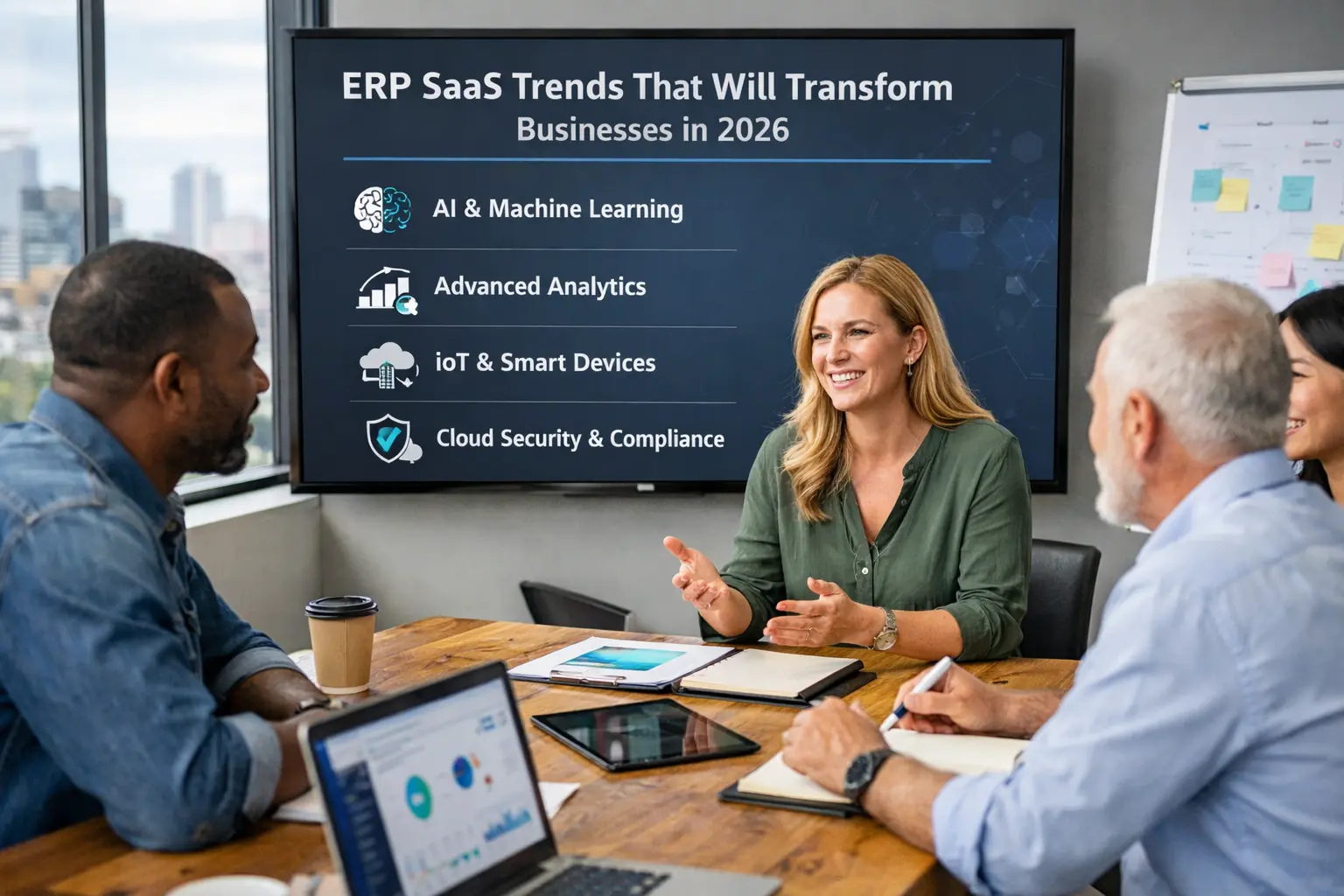
Future Trends in ERP SaaS Integration
The future of ERP SaaS integration is driven by emerging technologies such as:
Artificial Intelligence
AI-powered ERP systems can automate business decisions and predictive analytics.
Machine Learning
Machine learning algorithms analyze operational data to forecast demand and optimize supply chains.
Robotic Process Automation
RPA tools automate repetitive tasks such as invoice processing and data entry.
IoT Integration
Internet of Things devices provide real-time operational data to ERP systems.
Advanced Data Analytics
Integrated analytics platforms enable deeper business intelligence insights.
Best Practices for Successful ERP SaaS Integration
Businesses should follow these best practices:
- Choose scalable cloud ERP solutions
- Use secure integration platforms
- Maintain data governance policies
- Monitor system performance
- Continuously update integration workflows
These strategies ensure long-term success with ERP SaaS ecosystems.
Conclusion
ERP SaaS integration with CRM and accounting systems represents a major step toward digital transformation for modern businesses. By connecting critical business functions into a unified platform, organizations can streamline operations, improve customer experiences, and gain real-time financial insights.
The integration of ERP, CRM, and accounting software eliminates data silos, reduces manual work, and provides powerful analytics for strategic decision-making. As cloud technologies continue to evolve, ERP SaaS systems will become even more intelligent, automated, and interconnected.
Businesses that invest in ERP SaaS integration today will be better positioned to adapt to changing market conditions, scale their operations, and maintain a competitive advantage in the digital economy.